openDAW Manuals
openDAW is a full music studio that runs entirely in your browser. There is nothing to install and no account to create.
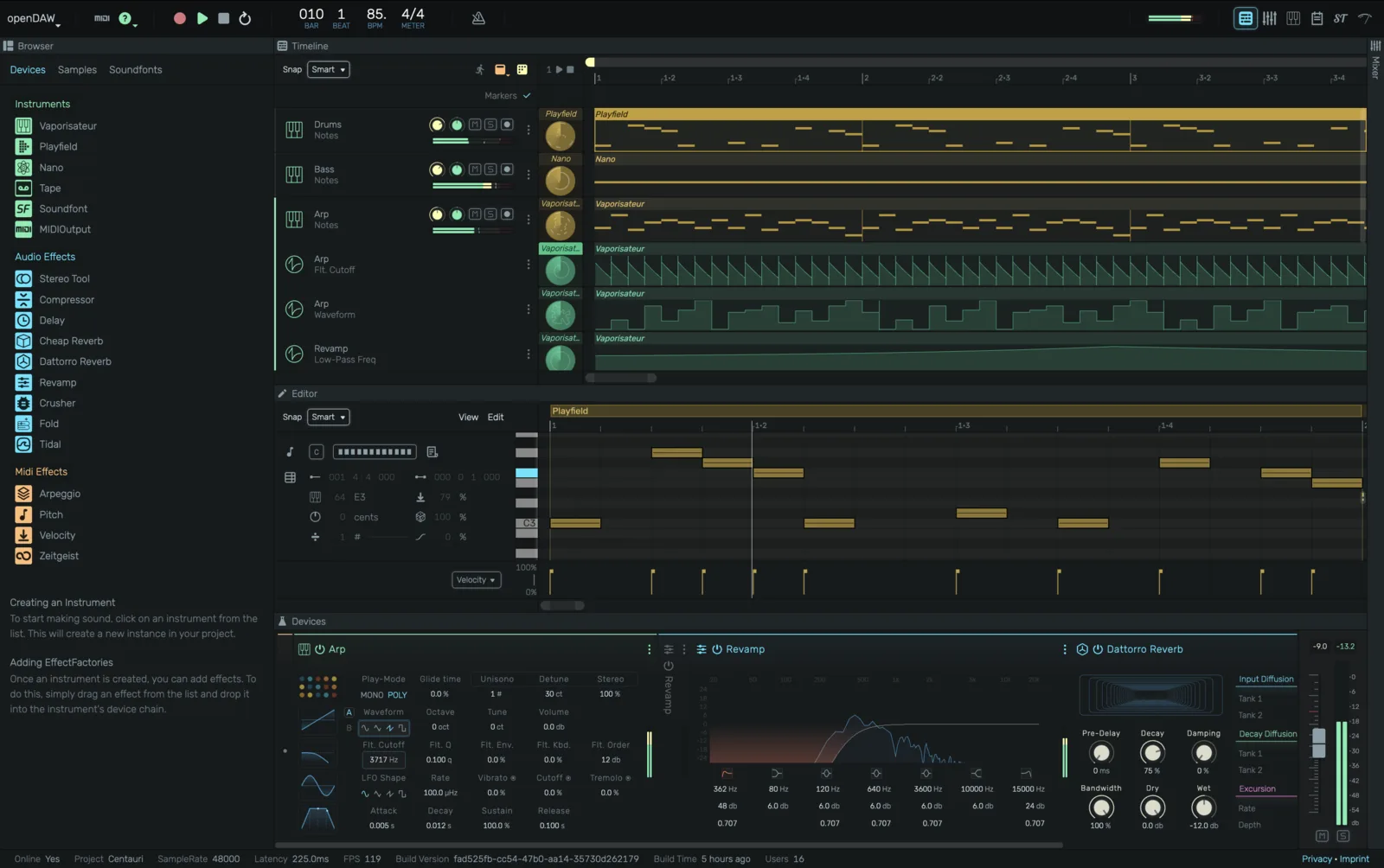
Features
| MIDI In / Out | Audio In / Out | Audio Buses | Aux Send FX |
| Automation | Audio Recording | MIDI Recording | MIDI Learn |
| Undo / Redo | Mixer | Device Panel | Note Editor |
| Shadertoy Visualizer | Scriptable Devices | Script Editor | Monitoring with FX |
| STEM In / Out | Cloud Backup | Soundfonts | Live Rooms |
| Shortcut Manager | DAWproject In / Out | Piano Tutorial Mode | Video Export |
| Tempo Automation | Signature Automation | Marker Track | Preset Management |
Getting started
Click New Project on the dashboard to open an empty timeline, or open one of the demo projects to see a finished track you can take apart. From there, add a track, drop in an instrument, and start writing.
Everything you make is saved locally on your device. See Project Management to learn where projects are stored, how to back them up, and how to share them.