Audio Bus
An Audio Bus is a virtual channel that groups multiple audio sources for collective processing and routing.
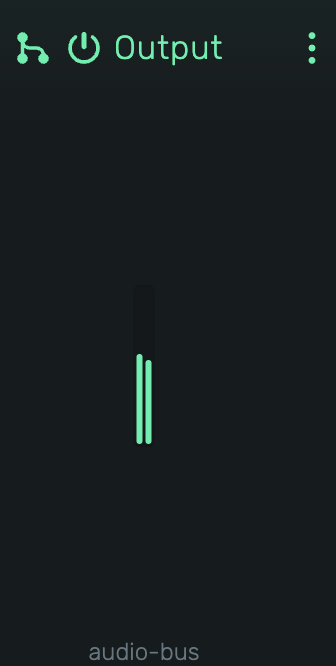
Concept
In traditional mixing, a bus (or buss) is a signal path that combines multiple audio channels into one. Think of it as a funnel: many sources flow into a single channel where they can be processed together before reaching the main output.
Common use cases:
- Drum Bus: Route all drum tracks to one bus, apply compression to glue them together
- Reverb Send: Create a bus with a reverb effect, send portions of multiple tracks to it
- Parallel Processing: Blend a heavily compressed copy with the dry signal
- Submix Groups: Group backing vocals, strings, or other instrument sections
Creating a Bus
Buses are created through the Mixer when setting up routing:
FX Bus (for sends)
- Open the Mixer
- On any channel, find the Sends section
- Click {icon:Add} to open the send menu
- Select New FX Bus...
- Enter a name and choose an icon
The new FX bus appears in the mixer, and a send is automatically created to route audio to it.
Output Bus (for grouping)
- Open the Mixer
- On any channel, click the Output selector
- Select New Output Bus...
- Enter a name and choose an icon
The channel's output is automatically routed to the new bus.
Sends vs Direct Routing
There are two ways to route audio to a bus:
-
Direct Routing: The channel's entire output goes to the bus. Use the Output selector to choose the bus. Best for submix groups, drum buses, and parallel compression.
-
Send: The signal is tapped and added to the bus for mixdown. The original signal continues to its destination while the bus processes a tapped portion. Both contribute to the final mix. Best for shared reverb and delay effects.
Adding Effects
Add effects to process all routed audio together:
- Select the bus in the timeline
- Add audio effects as you would to any audio-unit
- Effects apply to the combined signal of all sources routed to this bus
See Also
- Mixer - Channel strip controls and signal flow